AuraLink Studio / Chroma Studio
 Official release v1.3.1 · Windows · macOS · VST3
Vocals in the right key,
without you finding it.
Chroma Sense listens to the beat and knows what key the song is in. Chroma Tune picks that key up and tunes the vocal to it — no hunting for the key, no send button to press, no scale to memorise. Two VST3 plugins that run in the DAW you already use.
Apple Silicon (M-series) Macs: the macOS build is not yet signed with Apple, so a DAW running natively on an M chip will not load the plugins. Open your DAW under Rosetta: Finder → right-click the DAW → Get Info → tick “Open using Rosetta”.
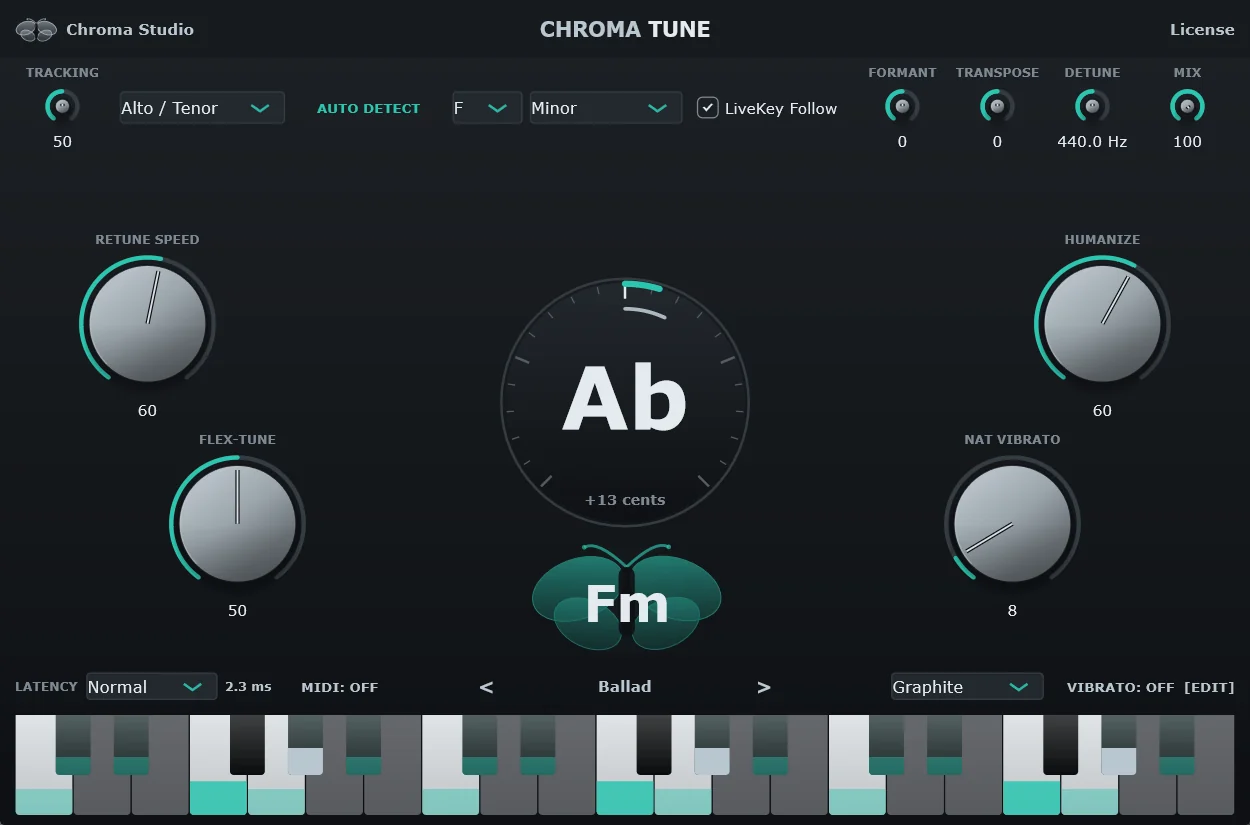
Two plugins, one job: singing in key.
The slow part of tuning a vocal isn't turning knobs — it's knowing what key the song is in and staying in it all session. That is the part this pair takes off you.
- Follows the key, no send buttonTurn on LiveKey Follow and Chroma Tune takes the key straight from Chroma Sense the moment the song changes — no stopping mid-session to set it by hand.
- Finds the key while the music playsSense listens to the beat and gives you the key and the scale. Want more certainty? Let it analyse the whole file, or set the key yourself when you already know it.
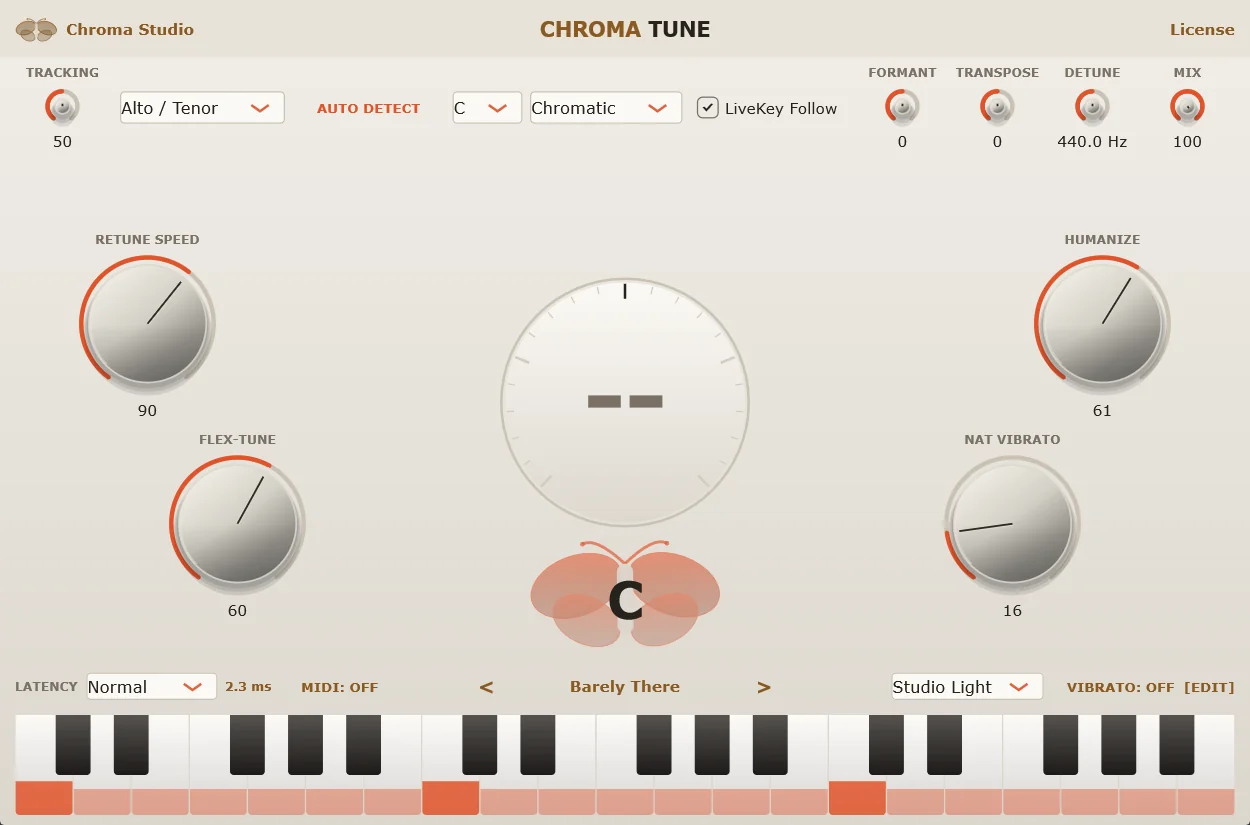
- From natural to full electronicSet RETUNE SPEED to 0 for the hard auto-tune effect; at 20–35 the vocal still sounds like a person. One knob decides the whole character.
- Keeps the singer's slides and vibratoFLEX-TUNE leaves a note alone once it is close, HUMANIZE eases off on long held notes — the line never gets flattened into a machine.
- Live singing: three latency modesNormal adds 2.3 ms — barely perceptible to the ear, and the best-sounding mode for live singing and streaming. Live gets down to 0.3 ms (PRO) for anyone who needs the lowest delay, at a slight, hard-to-hear cost in quality. When mixing, switch to Hi Quality for more precise correction on note changes.
- Uses the song's real reference pitchWhile following Sense, Tune adopts the tuning the track is actually in — songs that were not tuned to 440 Hz still come out right.
Enough controls to shape it, not enough to get lost in.
Pitch meter
The note being sung and how far off it is in cents sit in the middle of the interface — needle at twelve o'clock means you are in tune.
Six presets, plus your own
Hard Tune, Modern Pop, Transparent, Barely There, Ballad and the default — step through them with two arrows. Save what you're using under a name; it stays on the machine and travels with the project.
Tune to MIDI notes
Turn on MIDI Perform and route a MIDI track to Chroma Tune: the voice is pulled to the notes you hold instead of the whole scale — to the nearest held note in the octave being sung, or exactly as played.
Tone, transpose, blend
Shift the formants to change vocal tone, transpose in semitones, and blend the untouched voice with the tuned one to taste.
Vibrato: add it or keep it
NAT VIBRATO keeps the singer's own vibrato while the note is still tuned. The VIBRATO panel adds vibrato with the shape, rate and depth you choose — or scales the singer's own up or down.
Set it to the voice
Soprano, alto / tenor, low male or an instrument — or press AUTO DETECT and sing for about 3 seconds to let Chroma pick. The right range makes note tracking noticeably steadier.
Five themes, one switch for both.
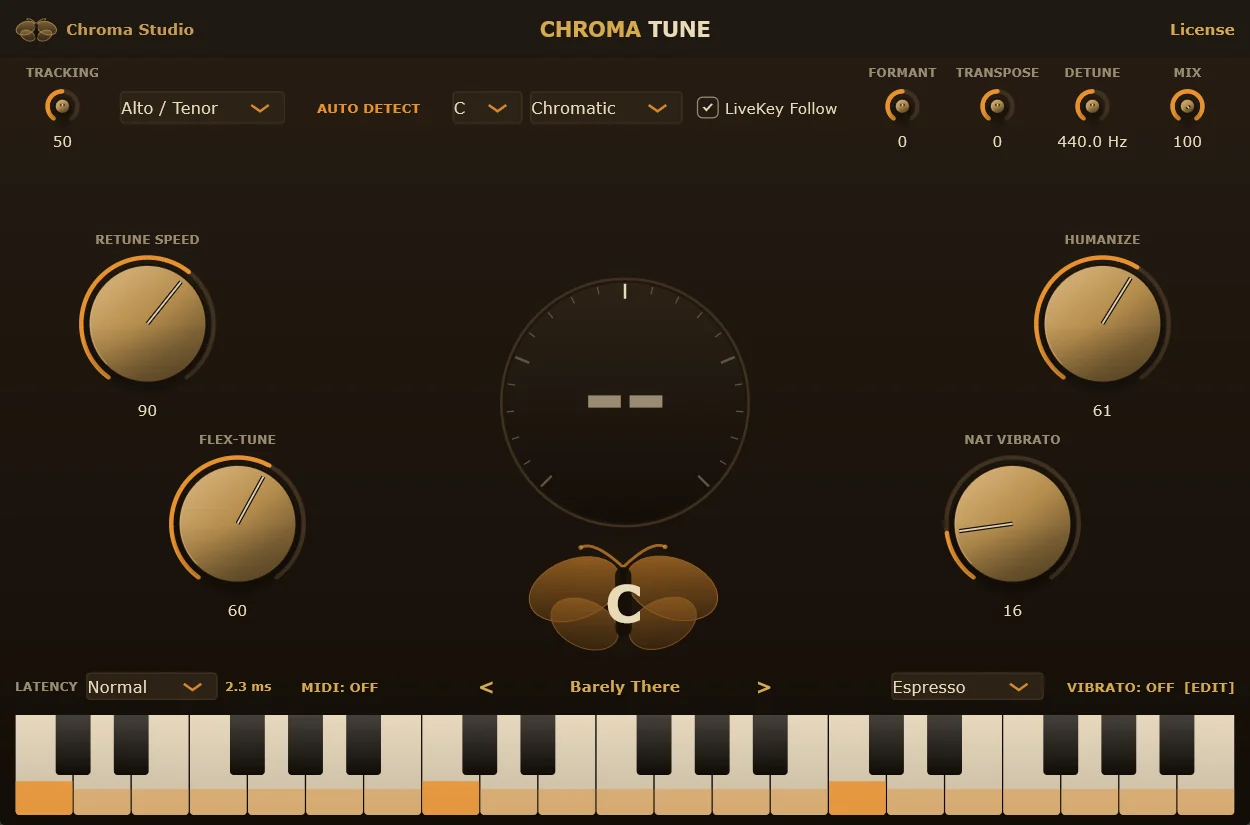
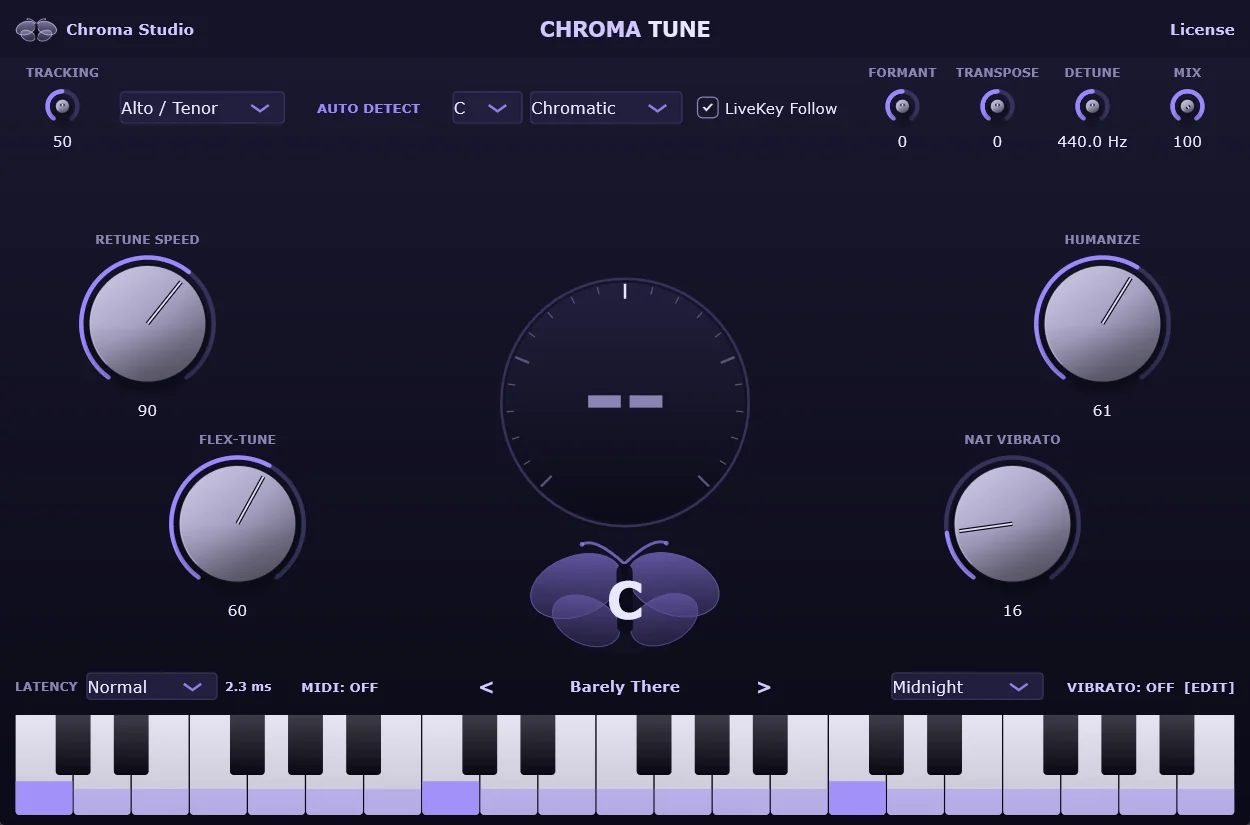
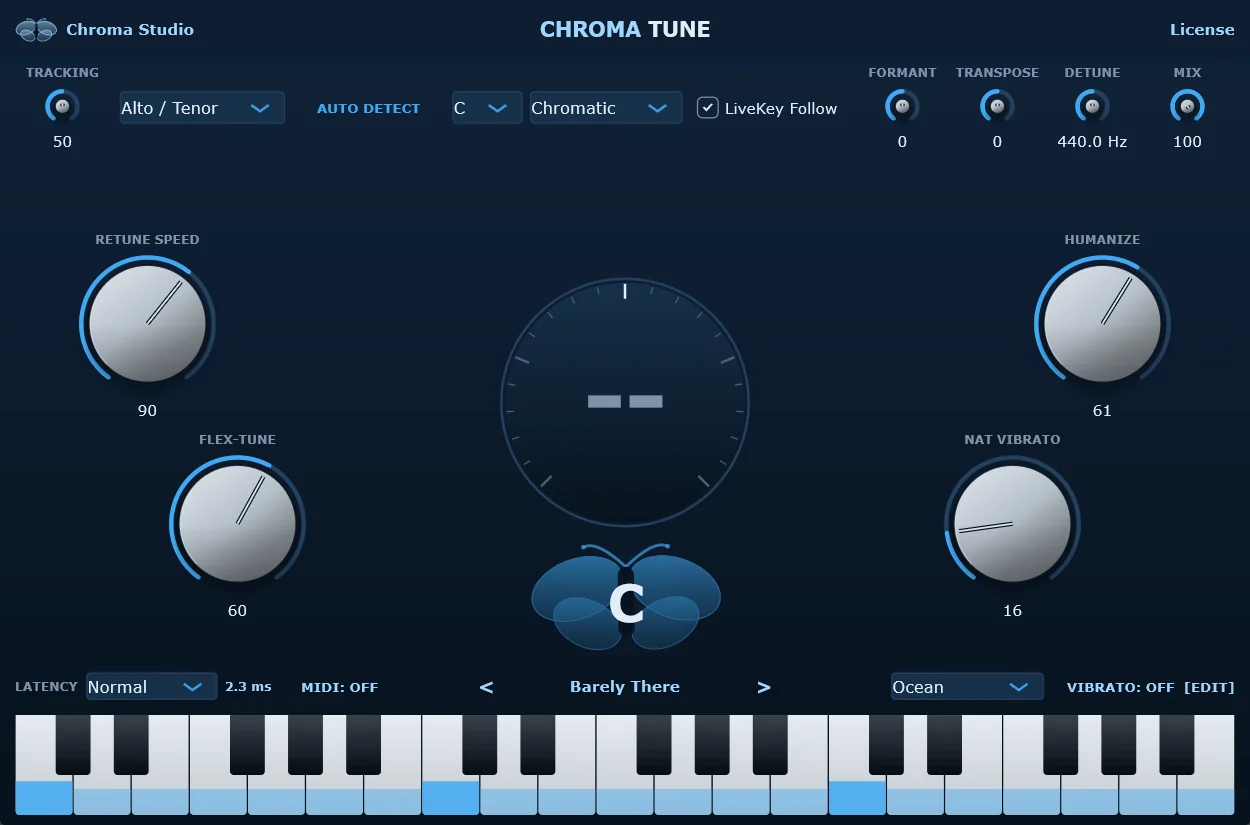
Espresso, Graphite, Midnight, Ocean or Studio Light — pick one and Chroma Tune and Chroma Sense switch together, for the whole computer.
The other half of the pair: the ear.
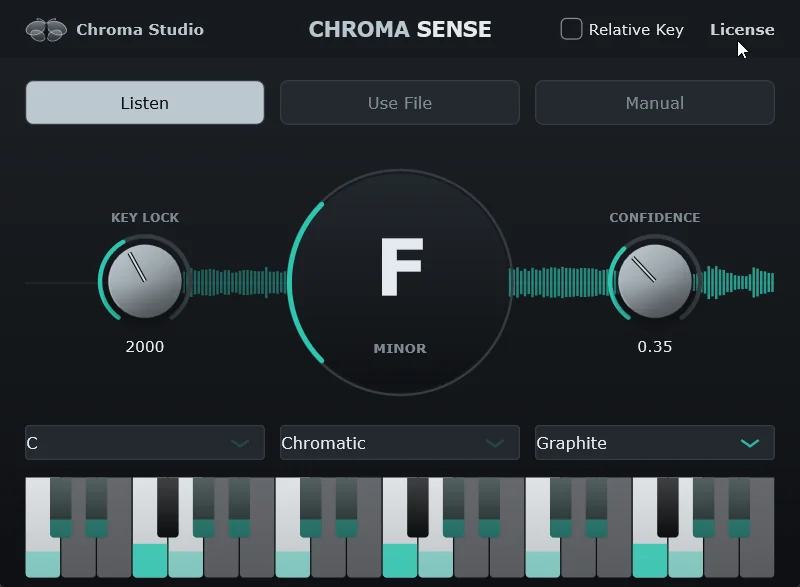
Put Sense on the beat bus and it listens, then settles on a key for the session. KEY LOCK decides how long a key is held before it may change, CONFIDENCE how sure it has to be before announcing one — together they stop the key jumping around in thin passages.
Install it, rescan, sing.
The installer puts both plugins in the standard VST3 folder — open your DAW, rescan, and Chroma Sense and Chroma Tune are in the list. To activate, hit License in the plugin, copy the Machine ID and send it to us for a key; one activation covers both plugins on that machine.