AuraLink Studio / Cadence
 Stable v1.0 · Windows · MIDI
Play a chord —
see its name, keys and shape.
Plug in a MIDI keyboard (or send MIDI from your DAW) and Cadence names the chord you're playing instantly, drawing it four ways at once: notes rising over an 88-key keyboard, the shape on a real guitar neck, a grand staff, and the song's key. A chord tool for keyboard and guitar players alike.
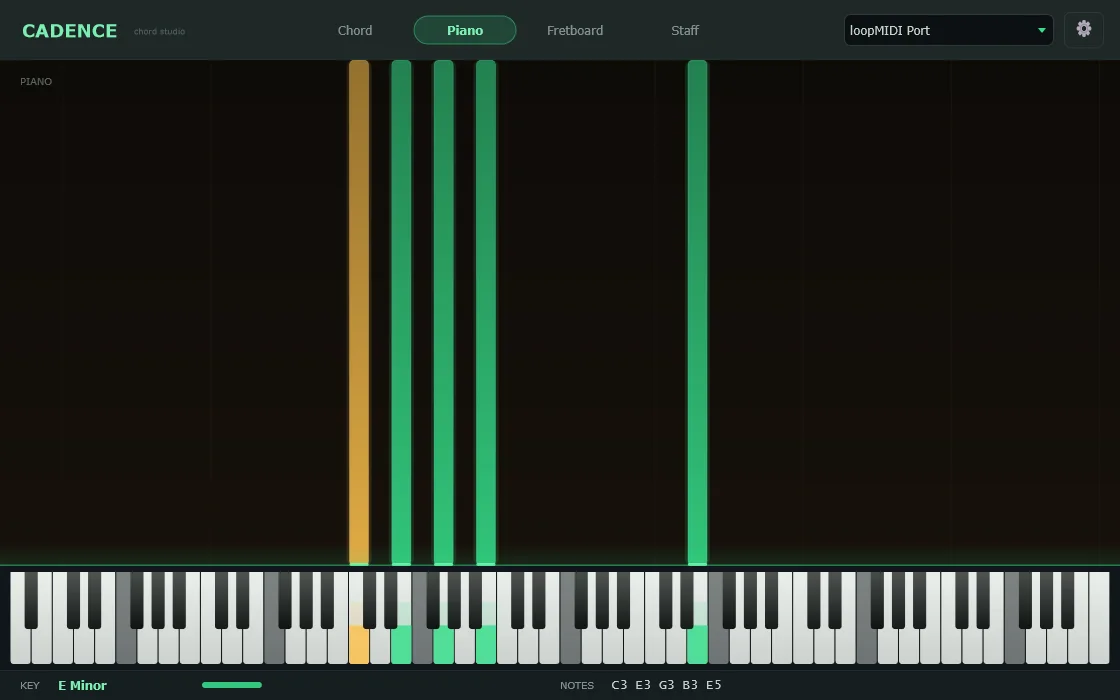
One chord, four views — at the same time.
The slow part of learning chords isn't pressing the notes — it's knowing what you just played and where it sits. Cadence answers instantly, in realtime.
- Instant chord namesA few notes and the chord name appears big — from triads to 7ths, 9ths, 11ths, 13ths and sus, plus alternate names and slash (inverted) chords.
- Four views in syncChord (name + intervals), Piano (note-river), Fretboard (guitar neck) and Staff (notation) — switch tabs instantly; all describe the notes you're playing.
- Notes flow like water on glassThe 88-key keyboard lights up under your hands and each note trails a glowing ribbon upward — easy to follow what's sounding, smooth, no flicker.
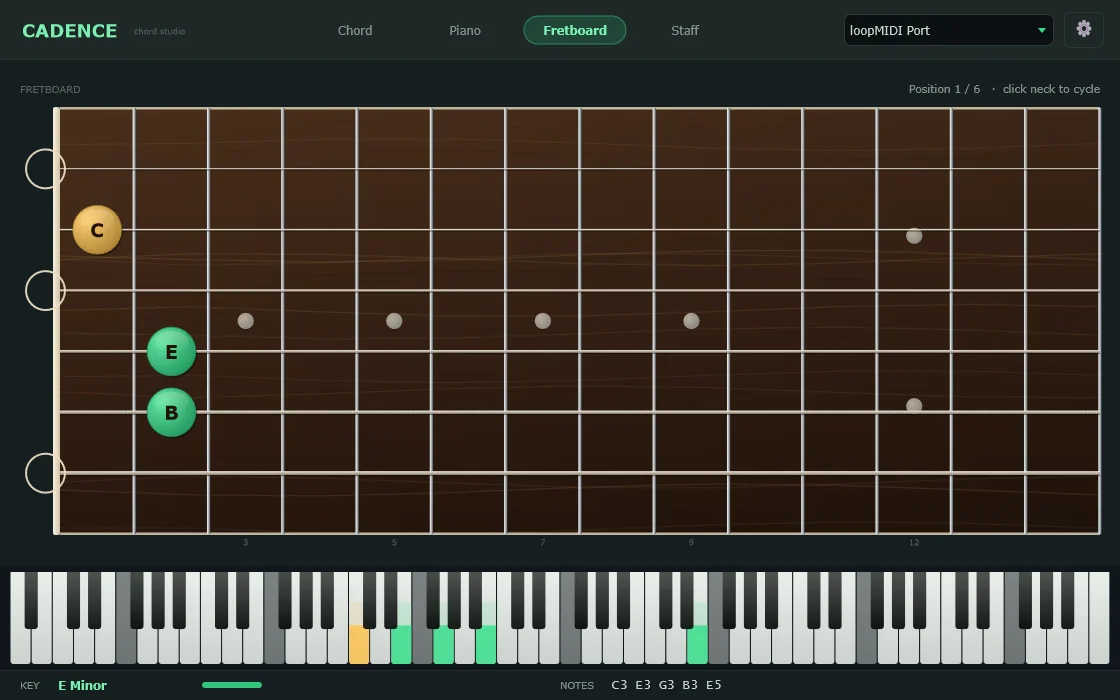
- The shape on a real guitar neckThe chord appears on the fretboard with finger positions, root note and open strings; click the neck to cycle through other shapes.
- It knows the key tooCadence tracks what you play and detects the key (major/minor), lighting the keys that belong to the scale — or lock a key yourself.
- Use a keyboard or your DAWPlug a MIDI keyboard straight in; to analyse sound in a DAW, route it through loopMIDI (included in the download, with step-by-step instructions).
See it the way you like.
Custom colours
Change the colour of played notes, the root, and sustained notes.
Sharps or flats
Spell note and chord names with sharps (#) or flats (b) to fit the song.
Many tunings
Guitar neck in Standard, Drop D, DADGAD or Open G.
Key lock
Auto-detect the key, or set it directly when you already know it.
Note & alternate names
Toggle note names and the alternate readings of the same chord.
88 keys & sustain
Full A0–C8 range, and it follows the sustain pedal to show held notes.
The chord, right where the fingers go.
Not just the chord name — Cadence shows how to play it on the neck, with the root highlighted so you know where to start.
Download, plug in, play — it's right there.
The download is a single .zip with the app, the loopMIDI installer and a guide in three languages. Plug in a MIDI keyboard and pick it top-right to play; to use it with a DAW, follow the loopMIDI steps. Activate by clicking the settings button, copying the Machine ID and sending it to us for a key.